Activity log
Every submitted mail with status, filters by account and period, full-text search and CSV export.
The activity log shows every mail submitted through your SMTP accesses, with time, account, sender, recipient and status.
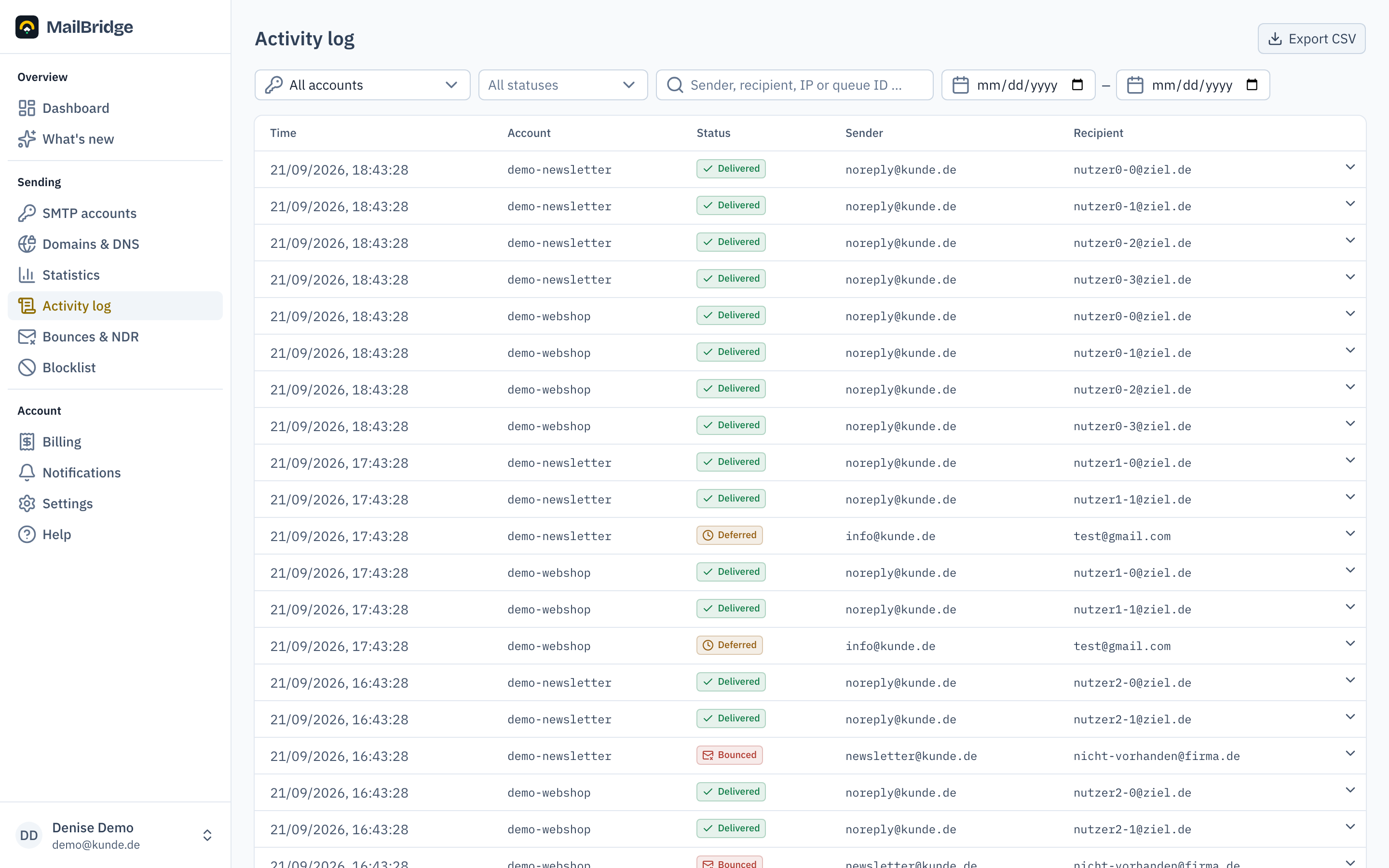
Understanding the status
| Status | Meaning |
|---|---|
| Delivered | The receiving server accepted the mail. |
| Deferred | The receiving server refused temporarily; delivery is retried automatically. |
| Bounced | The mail did not arrive and will not; details under Bounces & NDR. |
| Rejected | Our own server refused the submission, for instance because of a wrong sender domain. |
| Auth failed | Login attempt with wrong credentials; usually a typo, in numbers a warning sign. |
Filtering and searching
You can filter by account, status and period, and search by sender, recipient, IP address or queue ID. Clicking an entry opens the detail view with the full server response.
CSV export
Export CSV downloads the current filter selection as a file that opens straight in Excel, for your own analysis or as evidence.
Retention
The log data comes directly from the sending servers, which keep it for 30 days. Older entries cannot be retrieved; for monthly volumes over longer periods there is the usage overview under Billing, and the twelve-month look back under Statistics.
You will find this feature in the customer portal: my.mailbridge.email, included in every plan.
No account yet? Try it free for 14 days, payment details are only needed afterwards.
Diese Seite auf Deutsch: deutsche Fassung